 Skip to content

Browser game · Casual
Sliding Slide
Slide tiles to rebuild colourful pictures against a timer.
4.7Runs in your browser · no download
- Category
- Casual
- Score
- 4.7
- Device
- Mobile + Desktop
- Access
- Free Play
- Controls
- Touch + Keyboard
- Type
- HTML5 Game
The guide
Overview
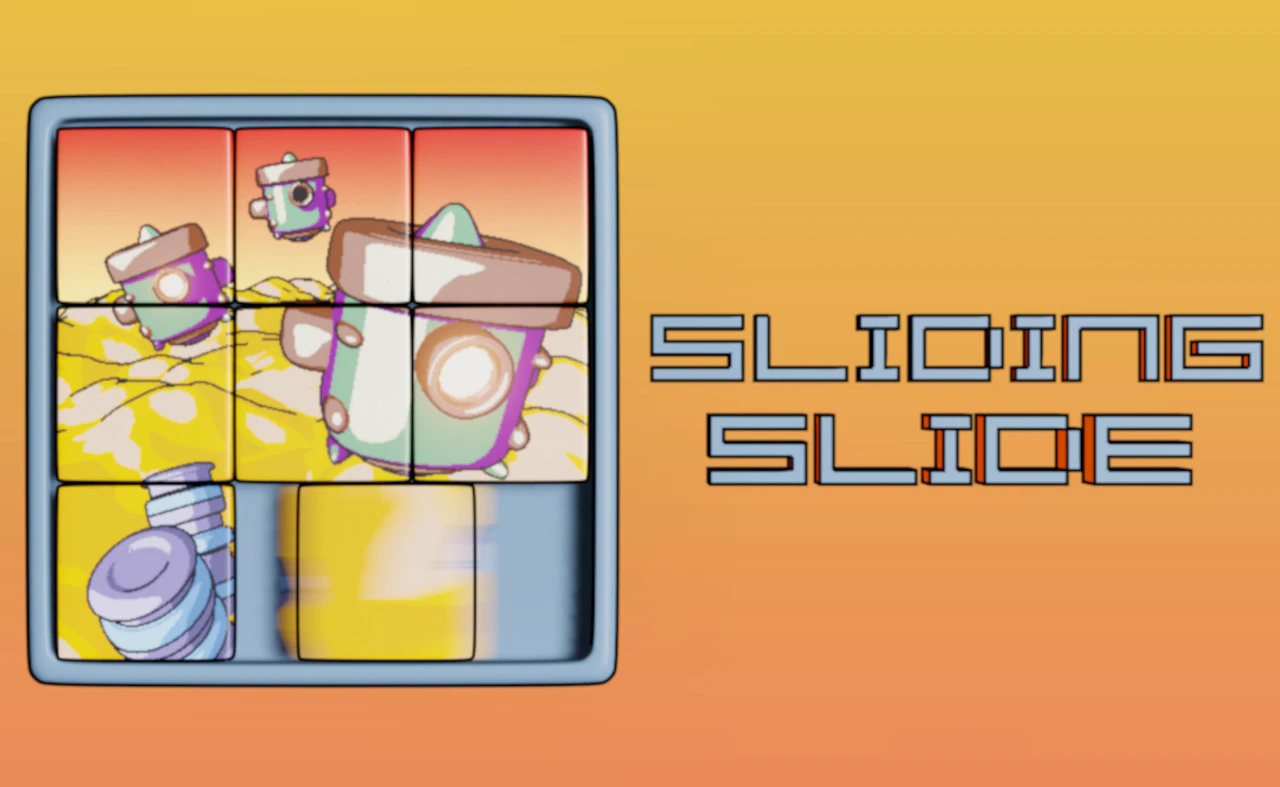
Shuffle tiles into place with taps or clicks until the picture is complete. Several difficulty levels are on offer, and you can try to beat your best score by finishing faster. It's made for a phone held upright.
What it's like to play
Casual games are the ones you open without planning to. A quick tap on a thumbnail, a bright screen, a simple objective explained in one line, and you are playing before you have thought about it. The sessions have no sharp edges. You match, sort, pop, swipe or stack, fail gently, and try again. Twenty minutes pass and you feel rested rather than drained.
Controls
- Tap, hold and swipe on phones and tablets
- Mouse or trackpad on a computer; arrow keys or WASD where the game asks for movement
- Press Escape or the exit button to leave the full-screen player
How to play
- 1Read the one-line goal on the first screen, then tap or click anything that looks interactive to see how it responds.
- 2Follow the obvious action: match colors, pop bubbles, or sort items into their slots. The game will confirm when you are right.
- 3Use the hints when they appear. Casual games are designed around them, not in spite of them.
- 4Stop at a natural break, such as the end of a stage, and come back later. It will still be there.
Features
- Free to play, nothing to install, no account needed
- Loads in the browser tab and opens full screen when you press Play
- Designed for a phone held upright
- Touch controls on phones and tablets, mouse and keyboard on a computer
- Listed under Casual
Why it's worth a go
Sliding Slide is low pressure by design. Mistakes cost little, stages are short, and the pace is yours. It runs free in the browser with no download, so it works as well on a phone in bed as on a laptop at lunch. It is the gaming equivalent of a cup of tea.
Who it's for
People who do not think of themselves as gamers, parents sharing a tablet with a child, older adults who want something gentle, and anyone winding down at the end of the day.
FAQs
- Is Sliding Slide hard to learn?
- No. Casual games teach themselves in the first minute through simple on-screen prompts. If you can tap and swipe, you have the controls covered.
- Does it work on a tablet?
- Yes. Tablets are arguably the best way to play, since the screen is large enough to see everything and touch input is natural for this kind of game.
- Can I play for just a couple of minutes?
- That is how most people play. Stages are short and you can leave at any point without losing anything meaningful.